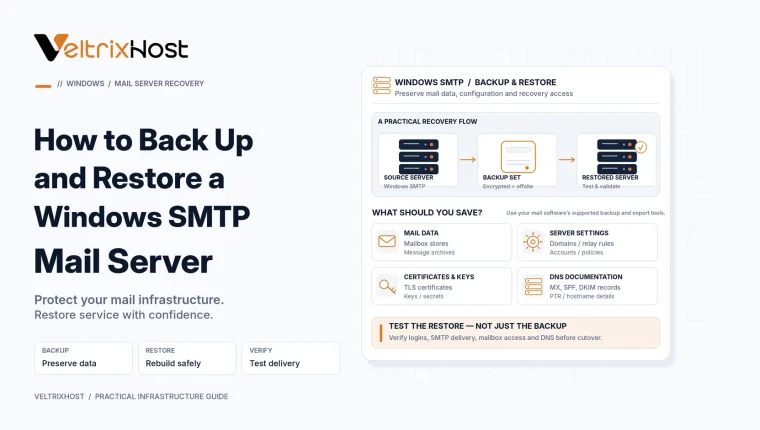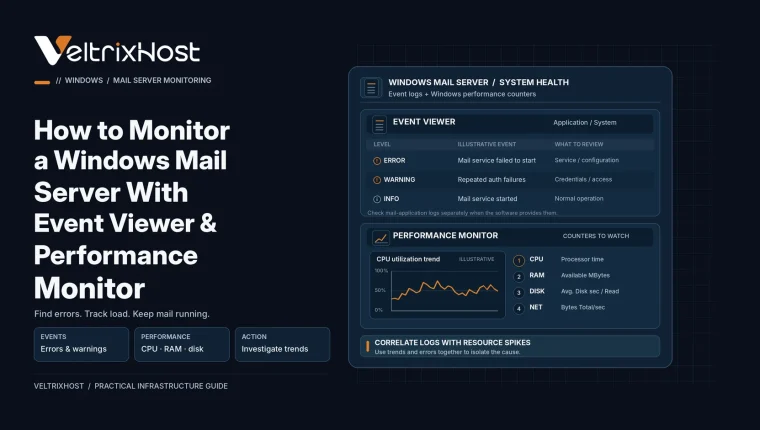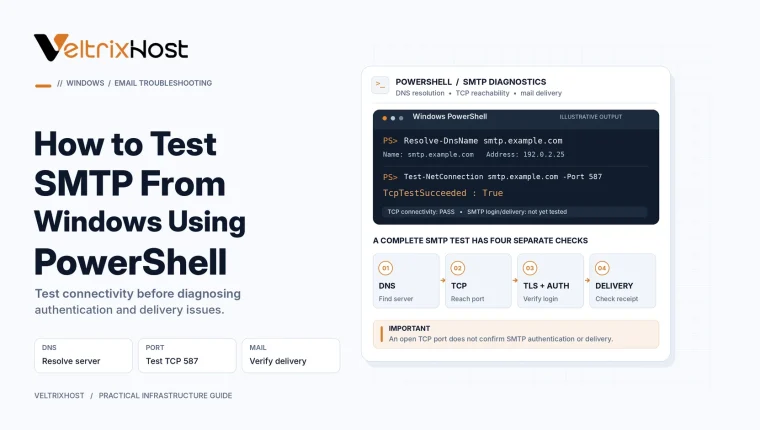
Choosing between Windows Server 2022 vs 2025 for an SMTP mail server affects software compatibility, security settings, and long-term maintenance. Both can host Windows email platforms, but a major change in Server 2025 makes checking your mail software essential before ordering a VPS.
What Does Windows Server 2022 Offer?
Windows Server 2022 remains a usable option for established mail-server applications. It supports Windows SMTP software such as MailEnable and SmarterMail, plus Remote Desktop administration.
Its mainstream support ended in October 2026, but Microsoft provides extended security updates through October 2031. That makes it viable for compatible existing installations, although it offers a shorter remaining support period.
What Changes With Windows Server 2025?
Windows Server 2025 introduces updated security defaults and a longer support lifecycle, with extended support scheduled through November 2034.
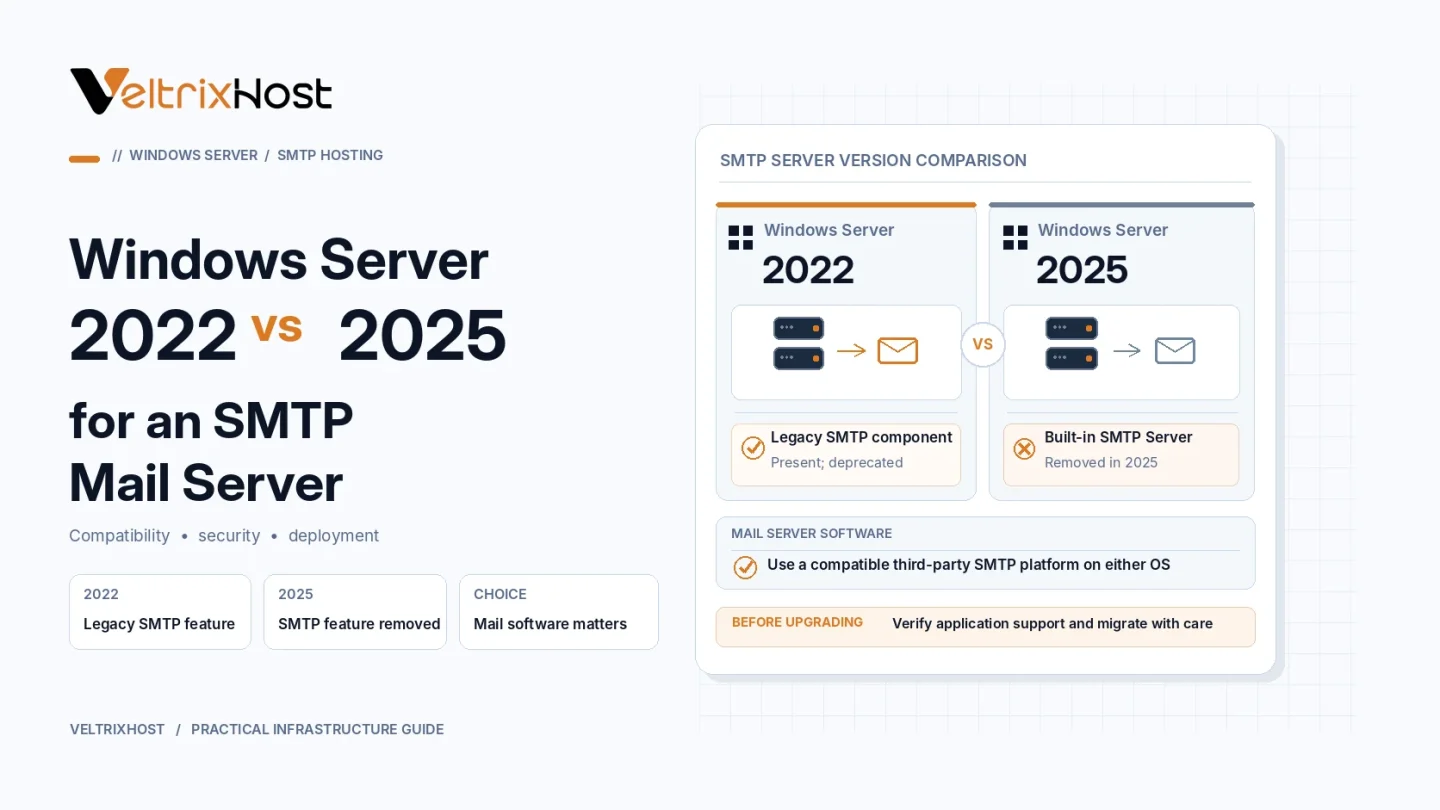
Important: Microsoft removed the legacy built-in SMTP Server feature from Windows Server 2025. It did not remove support for SMTP itself.
You can still install compatible third-party mail-server software. However, administrators relying on the older Windows SMTP feature must plan a replacement before migrating.
Windows Server 2022 vs 2025: Comparison
| Feature | Windows Server 2022 | Windows Server 2025 |
|---|---|---|
| Built-in legacy SMTP feature | Available, legacy | Removed |
| MailEnable | Supported | Supported |
| SmarterMail | Supported | Supported |
| Mainstream support | Ended October 2026 | Through November 2029 |
| Extended support | Through October 2031 | Through November 2034 |
| Best fit | Existing compatible setups | New deployments |
Which Is Better for MailEnable or SmarterMail?
Both vendors list Windows Server 2022 and 2025 as supported operating systems for current products.
Before choosing, confirm your specific software version, license, webmail requirements, and minimum RAM. Older applications or integrations may need updates before they work reliably on Server 2025.
Neither operating system automatically improves mail throughput or inbox placement. Performance depends on mail queues, CPU, RAM, disk speed, and configuration.
Microsoft explains the removed component in its Windows Server feature changes.
What SMTP Settings Matter on Either Version?
Secure the server before sending production email:
- Confirm outbound Port 25 for direct delivery.
- Use authenticated submission on Ports 587 or 465.
- Configure SPF, DKIM, DMARC, and matching PTR/rDNS.
- Install TLS certificates and restrict unauthorized relaying.
- Monitor queues, login failures, updates, and backups.
Windows Server 2025 disables older TLS 1.0 and 1.1 protocols by default, so test legacy integrations carefully.
Choosing a Windows SMTP VPS
VeltrixHost Windows SMTP VPS offers administrator access, RDP, Port 25 availability, and PTR/rDNS controls for self-managed mail infrastructure.
Verify your preferred Windows image and mail-software requirements before purchasing.
Final Recommendation
For Windows Server 2022 vs 2025, choose Server 2025 for new installations running compatible, maintained email software. Keep Server 2022 when an existing application requires it, but plan upgrades before its support ends.
FAQs
Can Windows Server 2025 run SMTP?
Yes, using compatible software such as MailEnable or SmarterMail. Microsoft’s legacy SMTP Server feature is removed.
Does Windows Server 2022 still receive updates?
Yes. It remains in extended security support through October 2031.
Will upgrading Windows improve deliverability?
Not automatically. DNS authentication, sending reputation, and server configuration matter more.