Choosing between Ubuntu vs Debian for a mail server affects software compatibility, update schedules, and ongoing administration. Both Linux distributions can run Postfix, Exim, Dovecot, and other common email tools.
Choose the operating system your mail stack supports and your administrator can maintain.
Why Choose Ubuntu for an SMTP VPS?
Ubuntu Server offers clear installation guides, a familiar APT package manager, and long-term support releases suitable for production.
Ubuntu 24.04 LTS receives standard security maintenance until May 2029, while Ubuntu 26.04 LTS extends that period to May 2031. However, newer does not always mean better: confirm that your chosen email platform officially supports the release before installing it.
Ubuntu suits teams familiar with its tools.
Why Choose Debian for a Mail Server?
Debian Stable prioritizes a consistent package base and conservative updates. This supports predictable mail-server administration.
Debian 13, known as Trixie, is the current stable release. Its LTS period extends through June 2030, with narrower coverage.
It suits supported Postfix relays and mailbox servers.
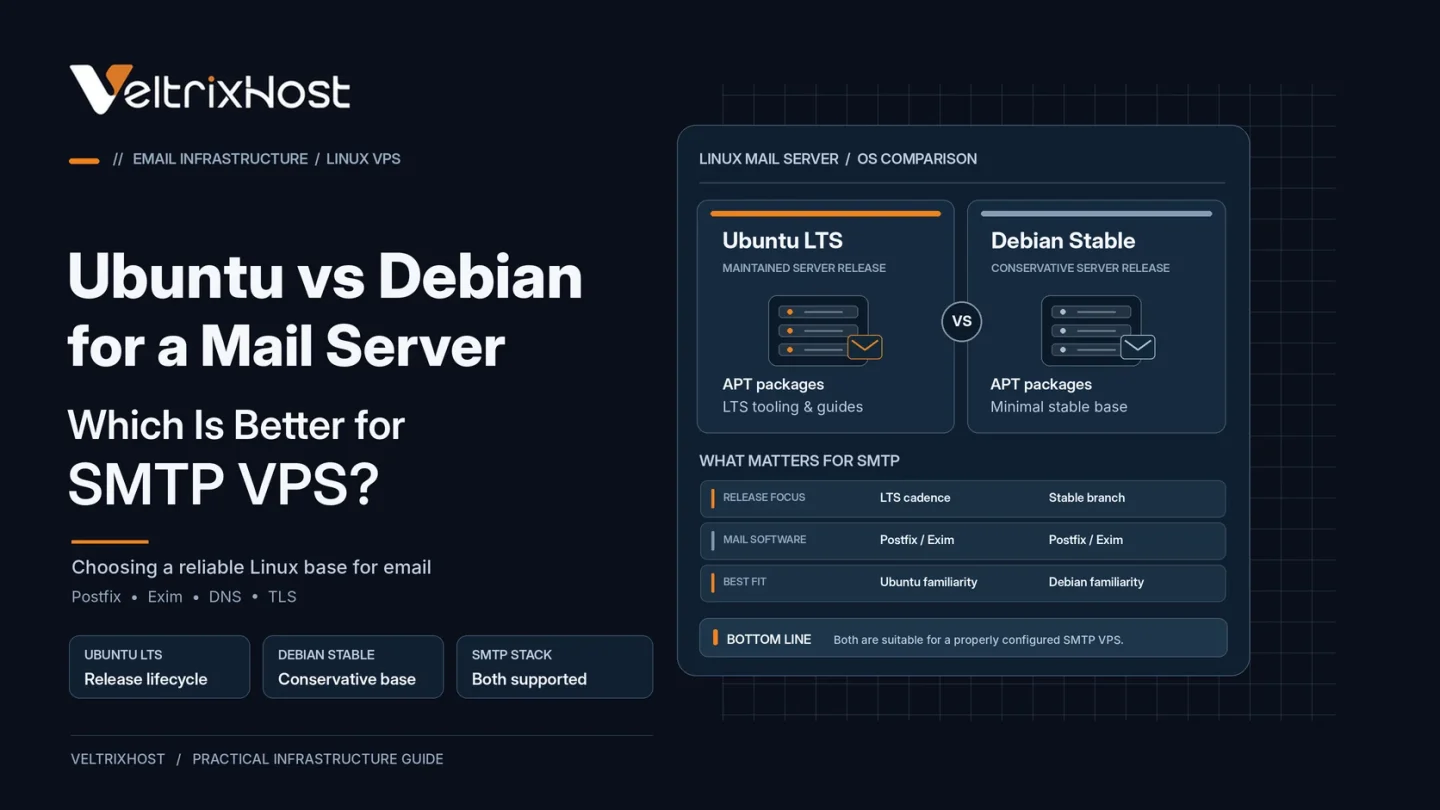
Ubuntu vs Debian: Mail Server Comparison
| Feature | Ubuntu Server LTS | Debian Stable |
|---|---|---|
| Package management | APT | APT |
| Release approach | Scheduled LTS releases | Stable releases |
| Security updates | Standard LTS maintenance | Security support and LTS |
| Mail software | Postfix, Exim, Dovecot | Postfix, Exim, Dovecot |
| Administration | Extensive Ubuntu-specific guides | Conservative, flexible setup |
| Best fit | Teams familiar with Ubuntu | Teams preferring Debian Stable |
Which Runs Postfix or Mailcow Better?
For a straightforward Postfix SMTP relay, either system can perform well. CPU, storage, DNS, and queue configuration matter more.
Mailcow supports Debian 11–13 and Ubuntu 22.04 or newer according to its published requirements. Check its official system requirements for virtualization and resource constraints before selecting an image.
Don’t confuse minimum operating-system memory with the requirements of a complete mail suite. Mailcow’s default configuration requires at least 6 GiB RAM plus 1 GiB swap.
What Matters More Than Your Linux Distribution?
Before launching either system:
- Configure forward DNS, PTR/rDNS, SPF, DKIM, and DMARC.
- Require TLS and authentication for client submission.
- Prevent open relaying and restrict administrative access.
- Monitor deferred queues, disk capacity, and security updates.
- Maintain off-server backups and test restoration.
Neither distribution guarantees inbox placement.
Choosing a VeltrixHost SMTP VPS
VeltrixHost SMTP VPS Hosting provides self-managed Linux servers with outbound Port 25, dedicated IPv4, root access, and PTR/rDNS controls.
Choose a compatible OS image with adequate RAM and storage.
Final Recommendation
In the Ubuntu vs Debian decision, choose Ubuntu LTS for a familiar, well-documented environment. Choose Debian Stable if you prefer its conservative release approach.
For either option, prioritize compatible software, timely patching, and correct email authentication.
FAQs
Is Debian more secure than Ubuntu for SMTP?
Neither is inherently safer. Patch management and mail-server configuration determine much of the risk.
Is Ubuntu 26.04 LTS suitable for Mailcow?
Check the Mailcow compatibility list and test your exact software versions before deploying production mail.
Which operating system uses less RAM?
A minimal installation of either can be lightweight. Installed mail services usually dominate memory consumption.