Understanding load balancer vs reverse proxy helps you build faster, more reliable hosting infrastructure. Both sit between users and application servers, but they serve different purposes.
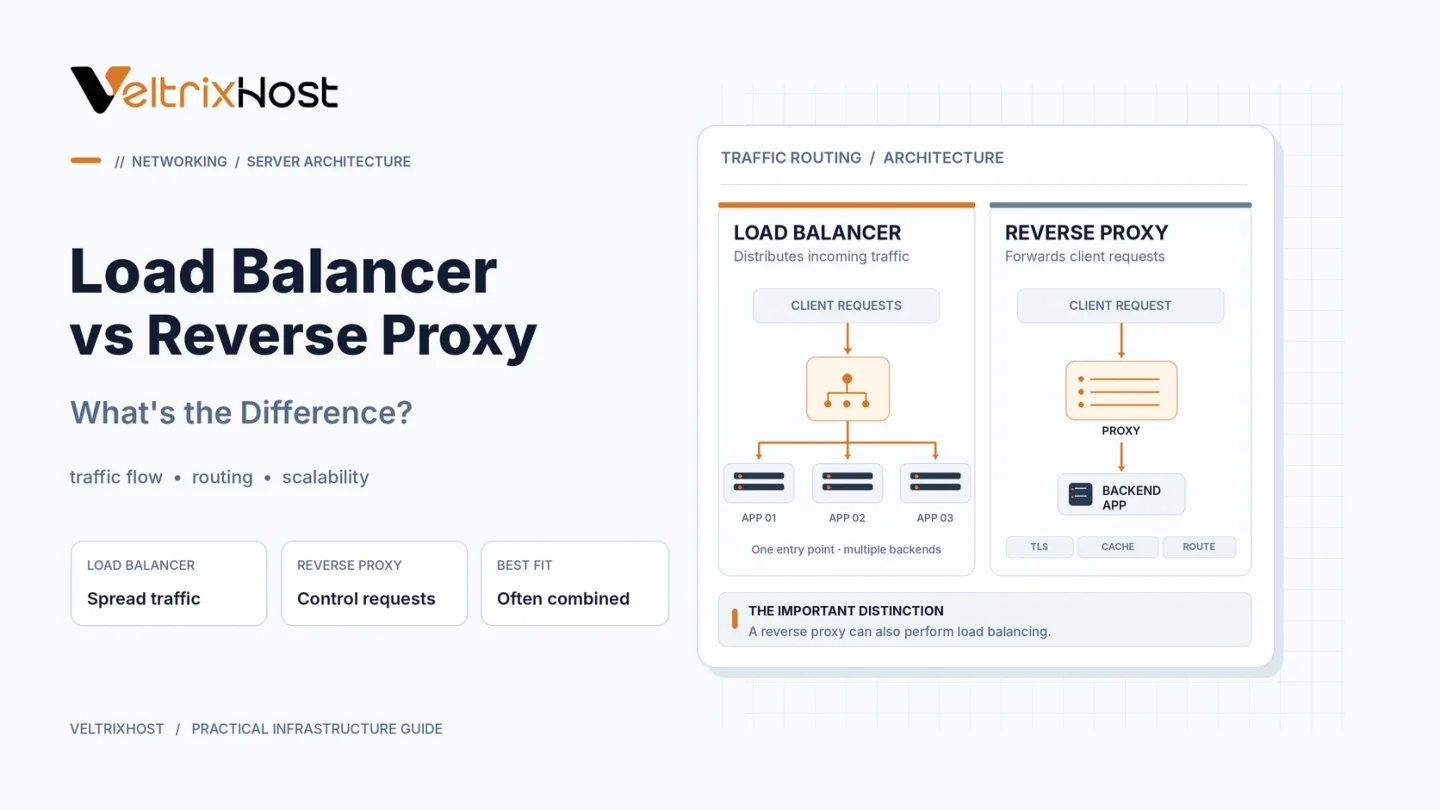
A reverse proxy manages incoming requests, while a load balancer distributes traffic across multiple backend servers. One tool, such as NGINX, can perform both roles.
What Is a Reverse Proxy?
A reverse proxy receives client requests and forwards them to a backend server.
For example, NGINX can accept HTTPS connections and forward requests to a web application running on a private port.
Reverse proxies commonly provide TLS termination, request routing, caching, and access controls.
Importantly, a reverse proxy can work with just one backend server.
What Is a Load Balancer?
A load balancer distributes traffic among multiple application servers to prevent one machine from handling every request.
Common methods include:
- Round robin: Distributes requests across available servers.
- Least connections: Prefers the server with fewer active connections.
- Weighted balancing: Allocates more traffic to servers with greater capacity.
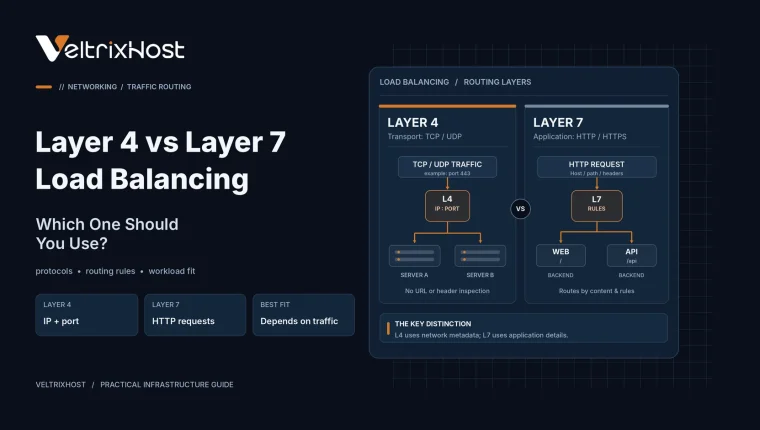
Load balancers can operate at Layer 4 (TCP/UDP) or Layer 7 (HTTP/HTTPS). Depending on the implementation, health checks and failover can redirect new requests away from unavailable backends.
Load Balancer vs Reverse Proxy: Key Differences
| Feature | Reverse Proxy | Load Balancer |
|---|---|---|
| Primary purpose | Manage and forward requests | Distribute traffic |
| Backend servers | One or more | Usually multiple |
| Common features | TLS, caching, routing | Scheduling, failover |
| Network layer | Commonly Layer 7 | Layer 4 or Layer 7 |
| Typical use | Application gateway | Multi-server hosting |
Can NGINX Work as Both?
Yes. NGINX can reverse-proxy traffic to one application or distribute requests across multiple servers.
For example:
Visitors → NGINX → Web Server A / Web Server B
NGINX receives the request, selects an upstream server, and forwards the response to the visitor.
The official NGINX HTTP Load Balancing Guide explains available distribution methods.
Which Is Better for Web Hosting?
Choose a Reverse Proxy When:
You run a website or application on one VPS and need HTTPS termination, routing, caching, or additional access controls.
It also helps when several applications share one public IP address.
Choose a Load Balancer When:
You operate multiple application servers and want to distribute requests or reduce dependence on individual backend machines.
However, load balancing alone does not guarantee high availability. Databases, sessions, and the load balancer itself can still become failure points.
What Server Resources Do You Need?
Before deploying either solution, evaluate CPU usage, RAM, bandwidth, storage performance, and expected concurrent requests.
For self-managed environments, VeltrixHost Linux VPS Hosting provides root access for installing NGINX, HAProxy, and compatible application software.
Select resources based on measured traffic and configure monitoring before scaling.
Final Recommendation
For load balancer vs reverse proxy, the best choice depends on your infrastructure.
Use a reverse proxy to manage access to backend applications. Add load balancing when multiple servers need to share workloads.
For growing hosting environments, both technologies can work together effectively.
FAQs
Is NGINX a load balancer or reverse proxy?
Both. NGINX supports reverse proxying and multiple traffic distribution methods.
Do I need multiple servers for a reverse proxy?
No. A reverse proxy can forward requests to a single backend.
Does a load balancer improve website speed?
It can reduce backend congestion, but actual performance depends on server capacity and configuration.
Can one VPS run a reverse proxy?
Yes. A VPS with sufficient resources can run NGINX or HAProxy.