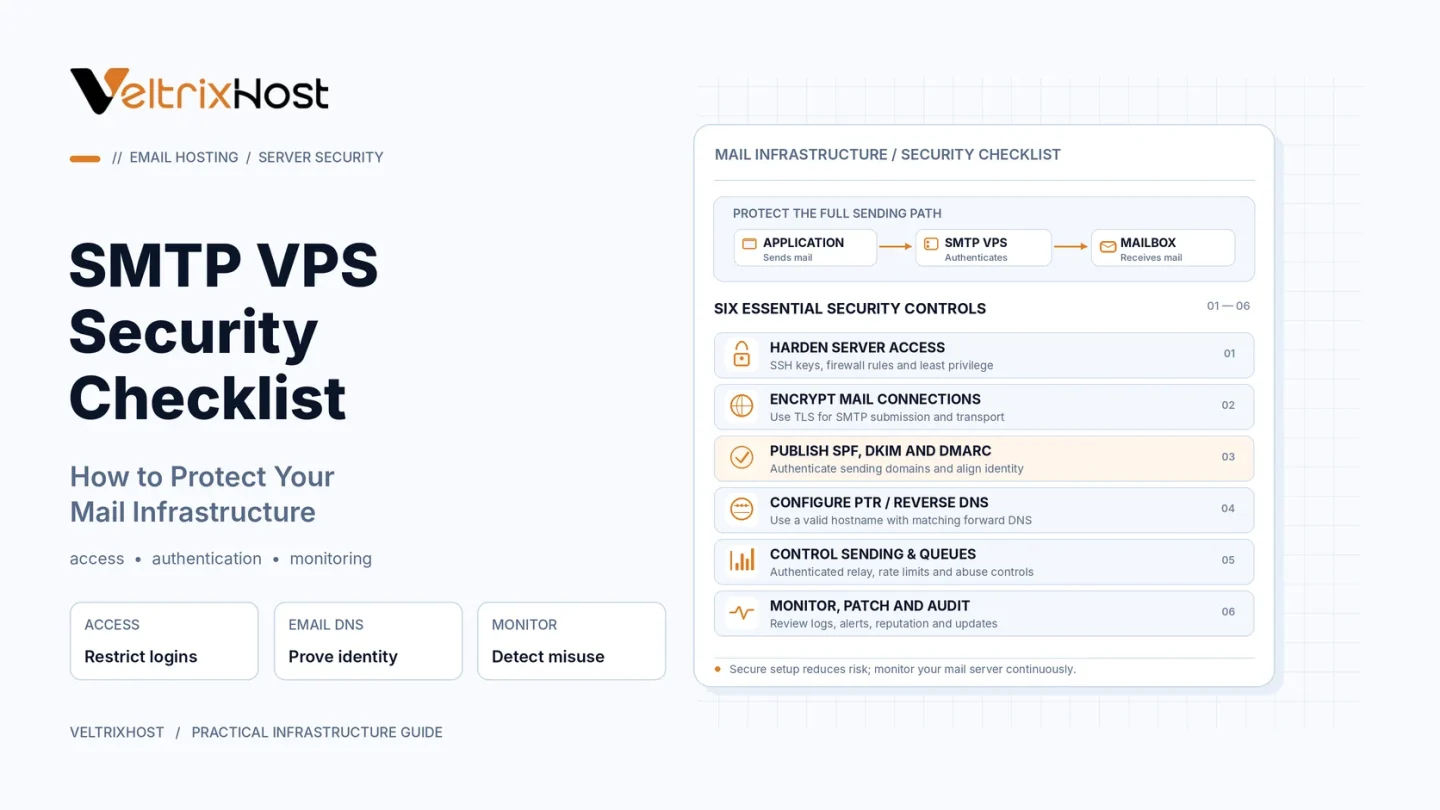
An SMTP VPS security checklist helps protect your mail server from unauthorized access, spam abuse, and delivery disruptions. A self-managed VPS gives you flexibility, but its firewall, accounts, DNS, and mail software remain your responsibility.
Follow these steps before sending production email.
SMTP VPS Security Checklist: Seven Essential Steps
1. Update the Server and Secure SSH
Install supported operating-system and mail-software updates. Enable automatic security patches where appropriate, and remove unused packages.
Use SSH keys, disable password-based SSH login after confirming key access, and restrict administration to trusted users or IP addresses. Give everyday accounts only the permissions they need.
2. Configure Your Firewall
Allow only required services. Typically, outbound TCP Port 25 supports direct server-to-server delivery, while Ports 587 and 465 serve authenticated client submission.
Expose inbound Port 25 only if your server must receive mail. Restrict management panels and databases instead of leaving them publicly reachable.
Also review IPv6 firewall rules, not just IPv4.
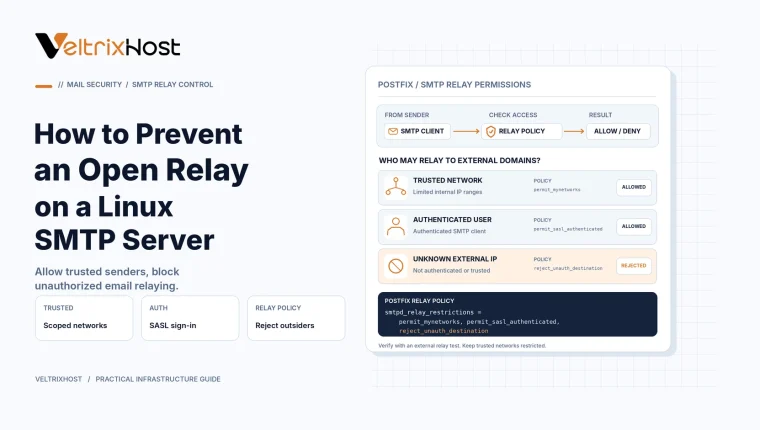
3. Prevent Open Relaying
An open relay accepts unauthorized messages and forwards them to unrelated recipients. Attackers can exploit it to distribute spam, damage your IP reputation, and overwhelm queues.
In Postfix, review smtpd_relay_restrictions, trusted networks, and authenticated-client permissions. The official Postfix SMTP access control guide explains safe relay policies.
Test from an external, unauthenticated connection to confirm that unauthorized relay attempts are rejected.
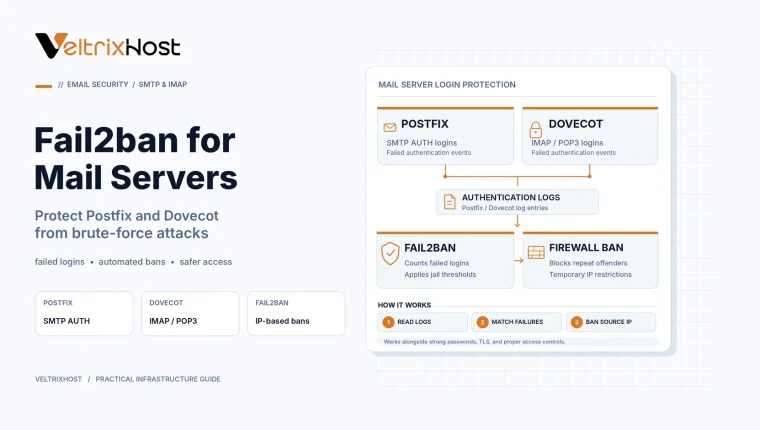
4. Protect SMTP Logins With TLS
Require authentication for message submission. Use Port 587 with required STARTTLS or Port 465 with implicit TLS, supported by a valid certificate.
Avoid accepting passwords over unencrypted connections. Use unique credentials for applications and revoke accounts that are no longer needed.
Remember that opportunistic STARTTLS on Port 25 does not guarantee encryption for every delivery path.
5. Configure DNS and Sender Authentication
Publish accurate SPF, DKIM, and DMARC records. Check that authenticated domains align with the visible From address.
Configure PTR/rDNS to resolve to a hostname whose forward DNS points back to your sending IP. Monitor DMARC reports before moving toward stricter enforcement.
Correct authentication helps prevent spoofing, but cannot guarantee inbox delivery.
6. Monitor Activity and Limit Abuse
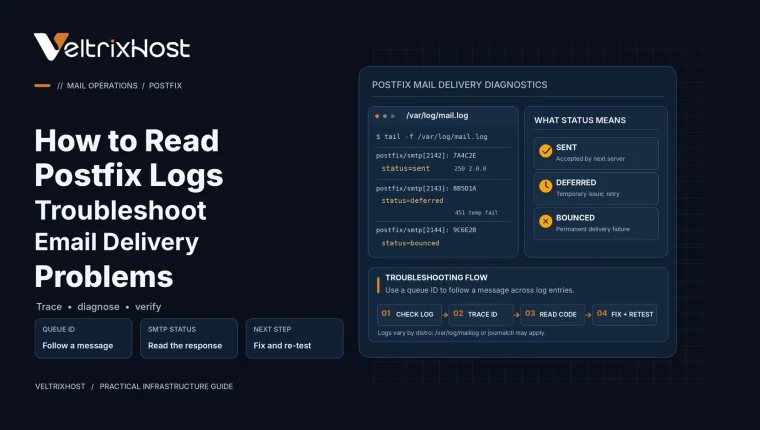
Set sensible limits for connections, recipients, and sending rates. Investigate unusual login attempts, sudden queue growth, repeated SMTP errors, and spam complaints.
Review logs frequently, keep permission-based recipient lists, and remove compromised credentials immediately.
7. Back Up and Test Recovery
Back up configuration files, DKIM private keys securely, and mailbox data if you host inboxes. Store backups separately and test restoration.
For a self-managed deployment, VeltrixHost SMTP VPS Hosting provides root access, dedicated IPv4, Port 25 connectivity, and PTR/rDNS controls. You remain responsible for securing the installed mail stack.
Final Recommendation
Use this SMTP VPS security checklist before deployment and after major configuration changes. Prioritize access controls, relay restrictions, TLS, authentication, monitoring, and recoverable backups.
FAQs
Does an open Port 25 mean my server is insecure?
No. The risk depends on service configuration, relay restrictions, and firewall policy.
Is SPF, DKIM, and DMARC enough to secure SMTP?
No. These protect domain authentication, not server accounts or software vulnerabilities.
How often should I review SMTP VPS security?
Check alerts daily, apply security updates promptly, and audit access and configuration regularly.