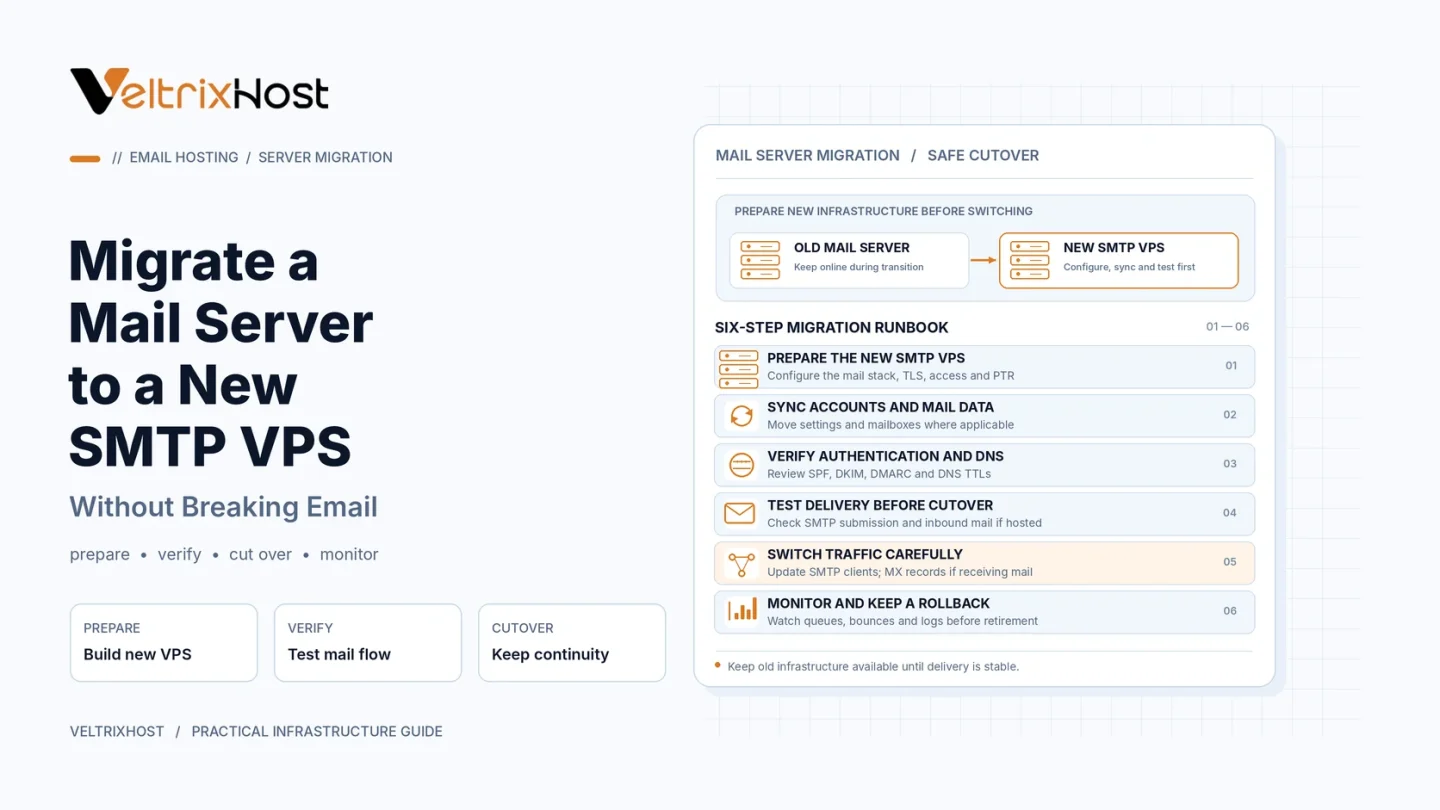
A mail server migration can improve capacity and control, but an incorrect cutover can interrupt customer notifications or incoming messages. The safest approach is to prepare the new SMTP VPS, verify delivery, and keep the old server available during DNS propagation.
1. Audit and Back Up the Existing Server
Record your mail software, domains, mailboxes, aliases, forwarding rules, SMTP credentials, certificates, and queue settings. Export configuration and create verified backups of mailboxes and keys.
Check how applications connect to SMTP. A sending-only relay requires different migration steps from a server that also receives and stores email.
2. Prepare the New SMTP VPS
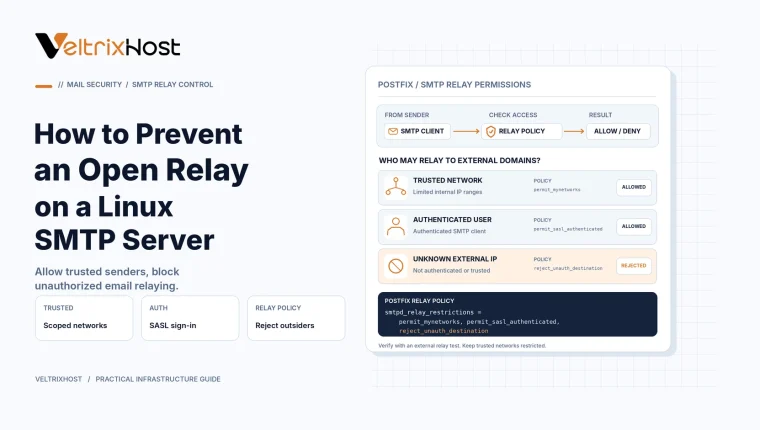
Install a supported operating system and compatible mail software. Apply security updates, configure a firewall, and prevent unauthorized relaying.
Confirm outbound Port 25 for direct delivery, plus any required submission ports such as 587 or 465. Configure TLS certificates before switching applications.
Set up the new server hostname and matching forward DNS and PTR/rDNS records.
3. Configure SPF, DKIM, and DMARC
Authorize the new sending IP in SPF, while temporarily retaining the old sender if both servers will operate during the transition.
Configure DKIM signing on the new server. Publish its public key and retain old keys while messages signed with them may still be checked. Verify DMARC alignment with the visible From domain.
Check the new IP’s reputation and test delivery before increasing volume.
4. Copy Mailboxes Without Losing Messages
If you host inboxes, create users and aliases on the destination first. Then synchronize messages over IMAP using a compatible migration tool.
Mailcow documents IMAP synchronization jobs for importing existing messages.
Verify folder contents and message counts. Synchronize again near cutover. Never assume copying SMTP configuration automatically migrates mailbox data.
5. Change DNS and Application Settings
Reduce relevant DNS TTL values ahead of the planned change, allowing existing higher TTLs to expire.
When ready, update the MX destination and its A or AAAA records as necessary. Update application SMTP hostnames, credentials, and ports separately; changing MX records does not redirect outgoing application connections.
Keep the original server receiving mail during propagation and synchronize again. Document a rollback plan to restore old DNS and application settings if tests fail.
6. Test Delivery and Monitor Queues
Send test messages between external providers and your domain. Confirm inbound delivery, authenticated submission, TLS, SPF, DKIM, and DMARC results.
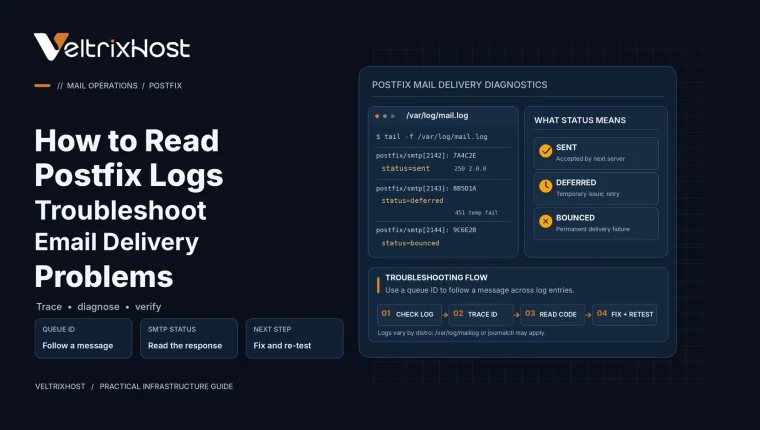
Inspect both servers’ logs and deferred queues. Drain legitimate outgoing messages from the old server, and investigate rejections rather than forcing repeated retries.
Only decommission the previous VPS after inbound traffic, applications, and queues have fully transitioned.
Choosing a New SMTP VPS
VeltrixHost SMTP VPS Hosting offers root access, dedicated IPv4, outbound Port 25, and PTR/rDNS management for self-managed deployments.
Choose enough RAM and storage for mailboxes, logs, and retries. Back up and test your configuration before cutover.
Final Recommendation
A successful mail server migration depends on preparation, overlapping service availability, and verification. Move the server first, switch traffic carefully, and retire the old system only after confirming reliable delivery.
FAQs
Will changing MX records move my existing emails?
No. MX records control where new incoming mail is delivered; existing mailbox data must be migrated separately.
Can I keep both SMTP servers online?
Yes, temporarily. Coordinate sender authentication, mailbox synchronization, and traffic routing to avoid missing or duplicate messages.
Does a new VPS IP improve deliverability?
Not automatically. Check its reputation, authentication, reverse DNS, and real delivery results.