Choosing between Dovecot vs Courier matters when you host email inboxes on a Linux VPS. Both let users access stored messages through IMAP, but they differ in mailbox formats, indexing, and administration.
For a new mail server, Dovecot is often the more flexible choice. Courier remains useful for established Maildir-based setups.
What Does an IMAP Server Do?
An IMAP server lets users read and organize messages across phones, desktops, and webmail applications. Unlike an SMTP mail transfer agent, it does not deliver messages between internet mail servers.
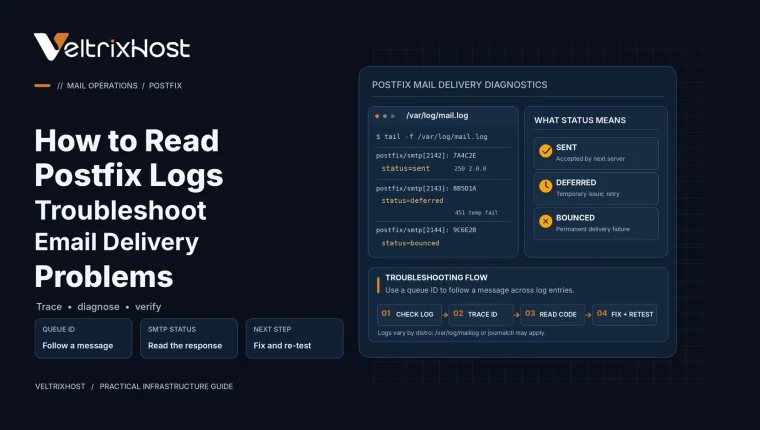
You typically pair Dovecot or Courier with Postfix or Exim, which handles SMTP transport.
What Is Dovecot?
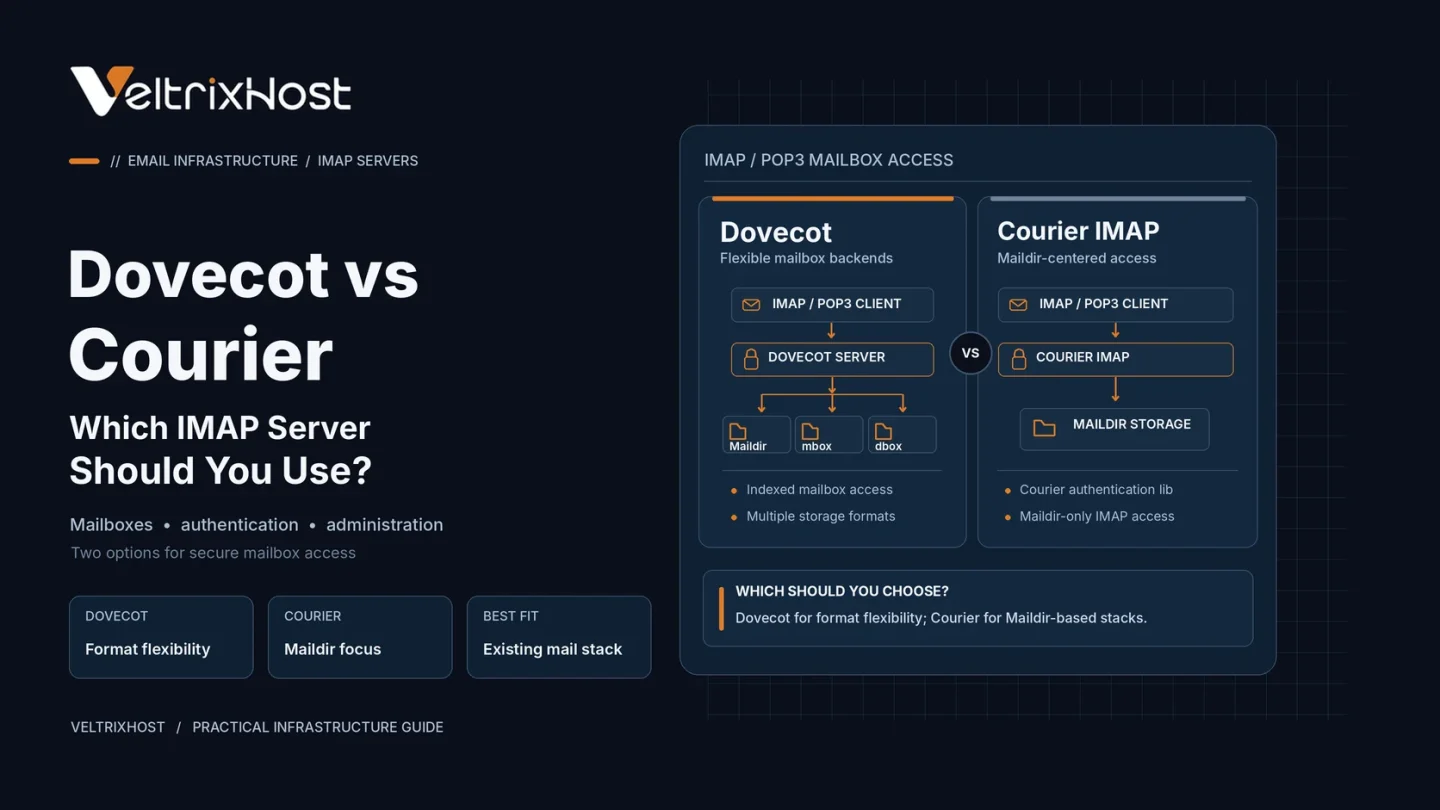
Dovecot supports IMAP and POP3, with storage options including Maildir, mbox, and dbox. Its mailbox indexing and caching help clients navigate folders and search messages efficiently.
It also offers flexible authentication backends and can share authentication services with Postfix. This makes Dovecot attractive for standalone mailbox hosting and multi-domain environments.
What Is Courier-IMAP?
Courier-IMAP provides IMAP and POP3 access to Maildir mailboxes. Its authentication library supports different account backends, and it includes connection limits and proxying features.
Courier is actively maintained, making it a viable option for administrators already using its Maildir layout and tools.
However, Courier-IMAP does not directly support traditional mbox or Dovecot’s dbox storage.
Dovecot vs Courier: Key Differences
| Feature | Dovecot | Courier-IMAP |
|---|---|---|
| Mailbox formats | Maildir, mbox, dbox | Maildir |
| Indexing | Built-in indexes and caching | Maildir-oriented access |
| Authentication | Flexible backends | Courier authentication library |
| IMAP and POP3 | Supported | Supported |
| TLS support | Supported | Supported |
| Best suited for | New, flexible mail platforms | Existing Maildir installations |
Which Is Faster or Easier to Manage?
Neither server wins every benchmark. Real performance depends on mailbox sizes, disk latency, concurrent users, client behavior, and indexing configuration.
Dovecot’s indexing can help with demanding mailbox workloads. Meanwhile, Courier can remain efficient for properly configured Maildir installations.
If you already use Courier successfully, switching without a specific need may introduce migration work. Test folder names, message flags, authentication, and backups before changing software.
For configuration details, review the official Dovecot documentation.
What Security Settings Matter?
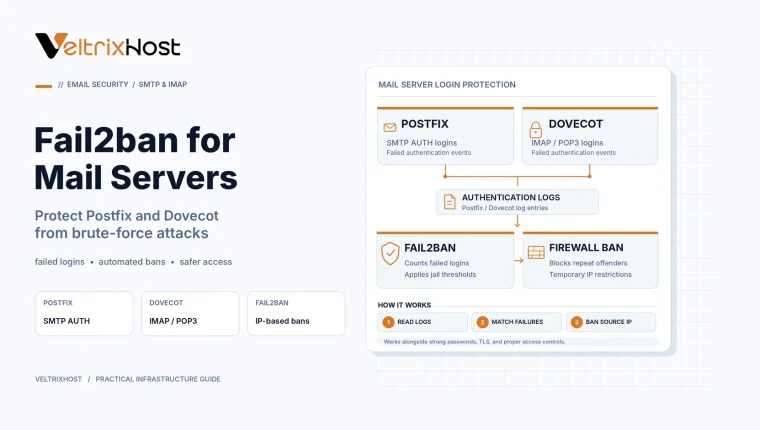
Use encrypted IMAP connections, typically Port 993, and configure trusted TLS certificates. Restrict authentication attempts, apply updates, and monitor login failures.
Also verify mailbox permissions, quotas, storage capacity, and recovery backups. SPF, DKIM, and DMARC protect separate email-authentication functions; they do not replace IMAP access security.
Do SMTP VPS Users Need IMAP?
Not necessarily. An outbound-only SMTP relay sending application notifications may not need Dovecot or Courier at all.
If you also receive and store inbox messages, choose an IMAP server and allocate enough storage for mailbox growth.
VeltrixHost SMTP VPS Hosting provides self-managed root access, Port 25 connectivity, and PTR/rDNS controls. Mailbox software and administration remain your responsibility.
Final Recommendation
In the Dovecot vs Courier comparison, choose Dovecot for a new, flexible IMAP deployment. Retain Courier where its Maildir-focused setup already meets your requirements.
FAQs
Can Dovecot and Courier work with Postfix?
Yes. Both can provide mailbox access alongside Postfix SMTP delivery.
Does Courier support mbox storage?
No. Courier-IMAP is designed around Maildir mailboxes.
Which is better for an SMTP-only relay?
Neither is required unless the server also provides mailbox access.