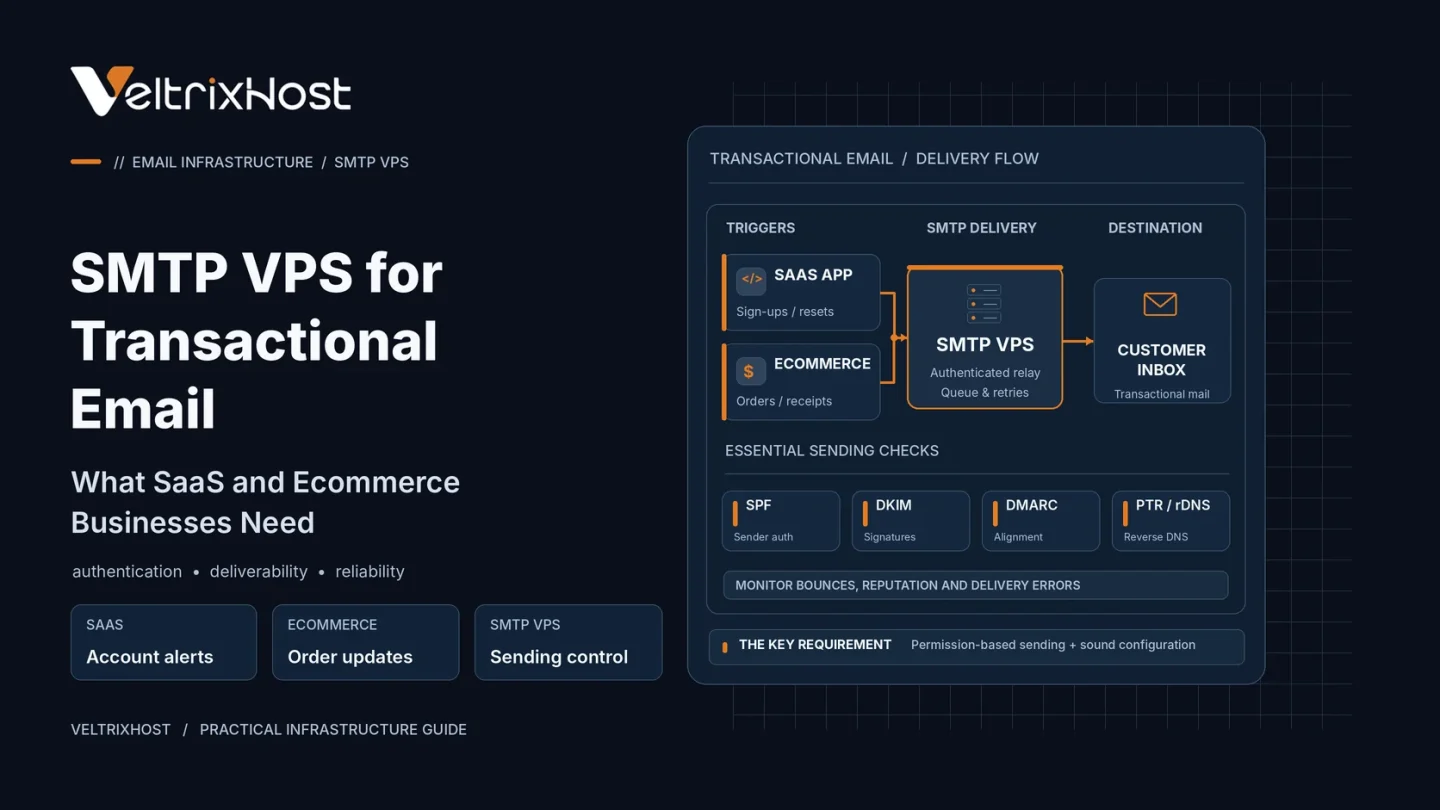
An SMTP VPS for transactional email gives SaaS platforms and ecommerce stores control over essential messages. Password resets, verification codes, order confirmations, and invoices must reach customers promptly.
However, running your own mail server also means managing security, authentication, queues, and sender reputation.
What Is Transactional Email?
Transactional emails respond to user actions or important account events. Unlike promotional newsletters, customers often need these messages to complete a purchase or access a service.
Common examples include:
- SaaS: Login codes, account alerts, and subscription receipts.
- Ecommerce: Order confirmations, shipping updates, and refund notices.
Delivery reliability matters more than raw sending volume.
Why Choose an SMTP VPS?
A self-managed SMTP VPS lets you install a mail transfer agent such as Postfix or Exim, set sending policies, and monitor delivery logs.
Dedicated IP resources can offer greater control over sending infrastructure. Yet a dedicated IP does not guarantee good reputation or inbox placement.
Managed email APIs may be simpler for teams without mail-server expertise.
SMTP VPS for Transactional Email: Essential Requirements
1. Authentication and DNS
Configure SPF, DKIM, and DMARC. Make sure SPF or DKIM passes authentication and aligns with your visible From domain. Also verify matching forward DNS and PTR/rDNS records for the sending hostname.
Google’s official email sender guidelines explain authentication, TLS, and reputation expectations.
2. Secure Submission and Delivery
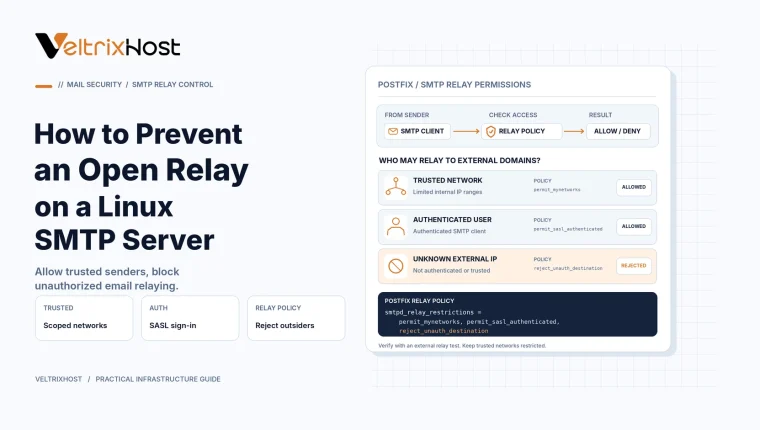
Applications should submit messages through authenticated SMTP, typically Port 587 with STARTTLS or Port 465 with implicit TLS.
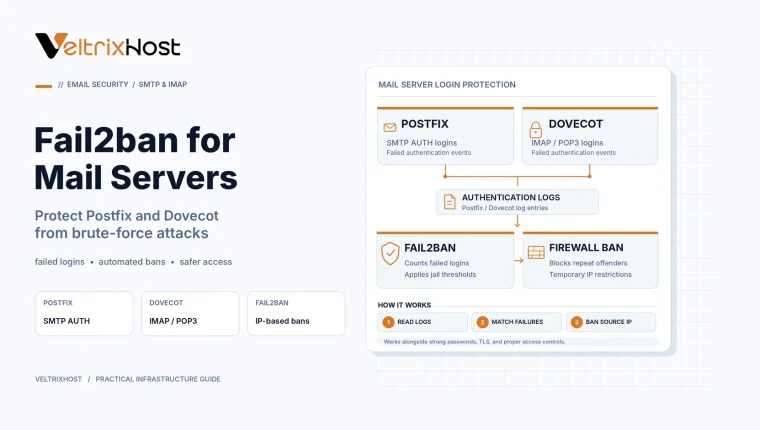
For direct server-to-server delivery, confirm outbound Port 25 is available. Require strong credentials, restrict relay access, and keep software updated.
3. Queues, Retries, and Monitoring
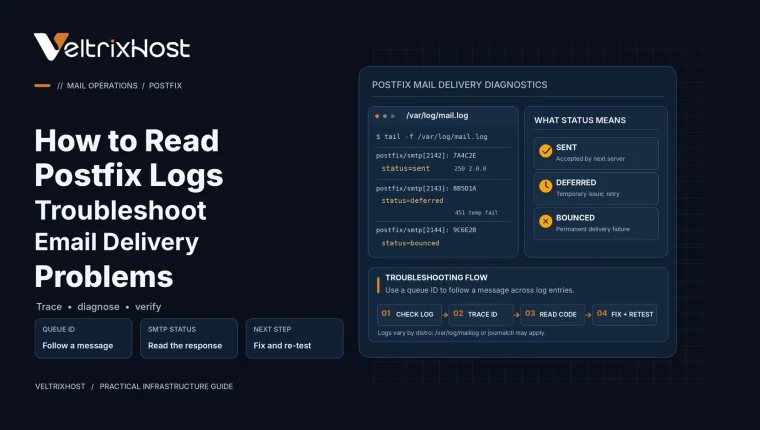
Temporary recipient-server failures should trigger controlled retries. Monitor deferred messages, bounce codes, queue growth, disk space, and sending rates.
Set alerts for password-reset delays and repeated 4xx or 5xx responses. Avoid aggressively retrying rejected messages.
4. Reputation and Message Separation
Check your IP’s history before deployment. Send only legitimate, expected messages, and increase volume gradually when appropriate.
Keep transactional traffic separate from promotional campaigns using distinct sending identities or infrastructure where feasible. Track complaint rates and suppress invalid recipients.
SMTP VPS vs Managed Email Service
| Consideration | SMTP VPS | Managed Provider |
|---|---|---|
| Server configuration | Your responsibility | Usually provider-managed |
| DNS authentication | You configure | Guided setup |
| Queue monitoring | Self-managed | Often built in |
| Maintenance | Ongoing | Lower operational burden |
| Best for | Teams needing control | Teams preferring simplicity |
Choosing VeltrixHost for Transactional Email
VeltrixHost SMTP VPS Hosting lists Linux root access, dedicated IPv4 resources, outbound Port 25, and self-service PTR/rDNS controls.
Choose CPU, RAM, and storage based on expected mail volume and queue retention. Confirm your software requirements before ordering.
Final Recommendation
An SMTP VPS for transactional email is worthwhile when you can manage authentication, monitoring, and abuse prevention.
For SaaS and ecommerce businesses, reliable event delivery and careful reputation management matter more than promises of unlimited sending.
FAQs
Is Port 25 required for transactional email?
For direct delivery to recipient mail servers, usually yes. Applications commonly submit mail over Ports 465 or 587.
Does a dedicated IP guarantee inbox delivery?
No. Authentication, reputation, message quality, and receiver policies also affect placement.
Can one SMTP VPS handle both receipts and newsletters?
Yes, but separating transactional and marketing traffic helps protect critical notifications.
Should startups self-host transactional email?
Only when they can maintain the mail system. Otherwise, a managed provider may be easier.