Choosing a dedicated server for database hosting requires more than purchasing a powerful processor or large storage drive. Database performance depends on CPU efficiency, available RAM, storage latency, and concurrent workloads.
Whether you run MySQL, PostgreSQL, or MariaDB, choosing balanced hardware helps maintain fast queries, stable transactions, and predictable performance.
Why Use a Dedicated Server for Database Hosting?
A dedicated server provides physical CPU, RAM, and storage resources reserved for your workloads.
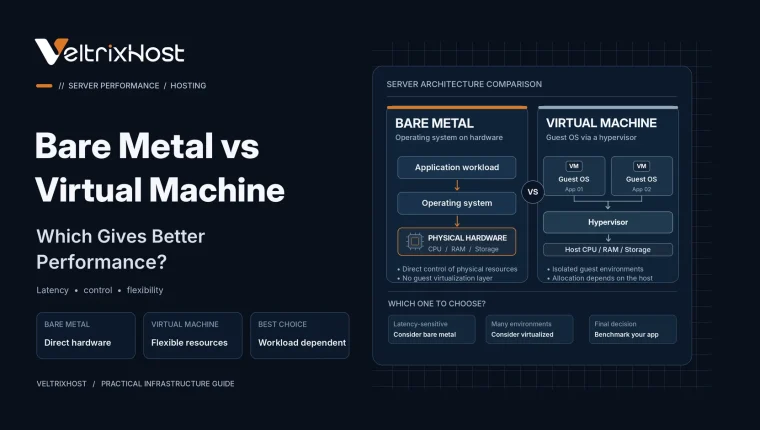
Unlike shared virtualized infrastructure, dedicated hardware avoids competition with unrelated virtual machines on the same physical server.
This makes it useful for busy ecommerce databases, enterprise applications, analytics platforms, and services requiring consistent processing capacity.
However, dedicated hardware does not automatically fix inefficient queries or poor database configuration.
1. CPU Performance and Core Count
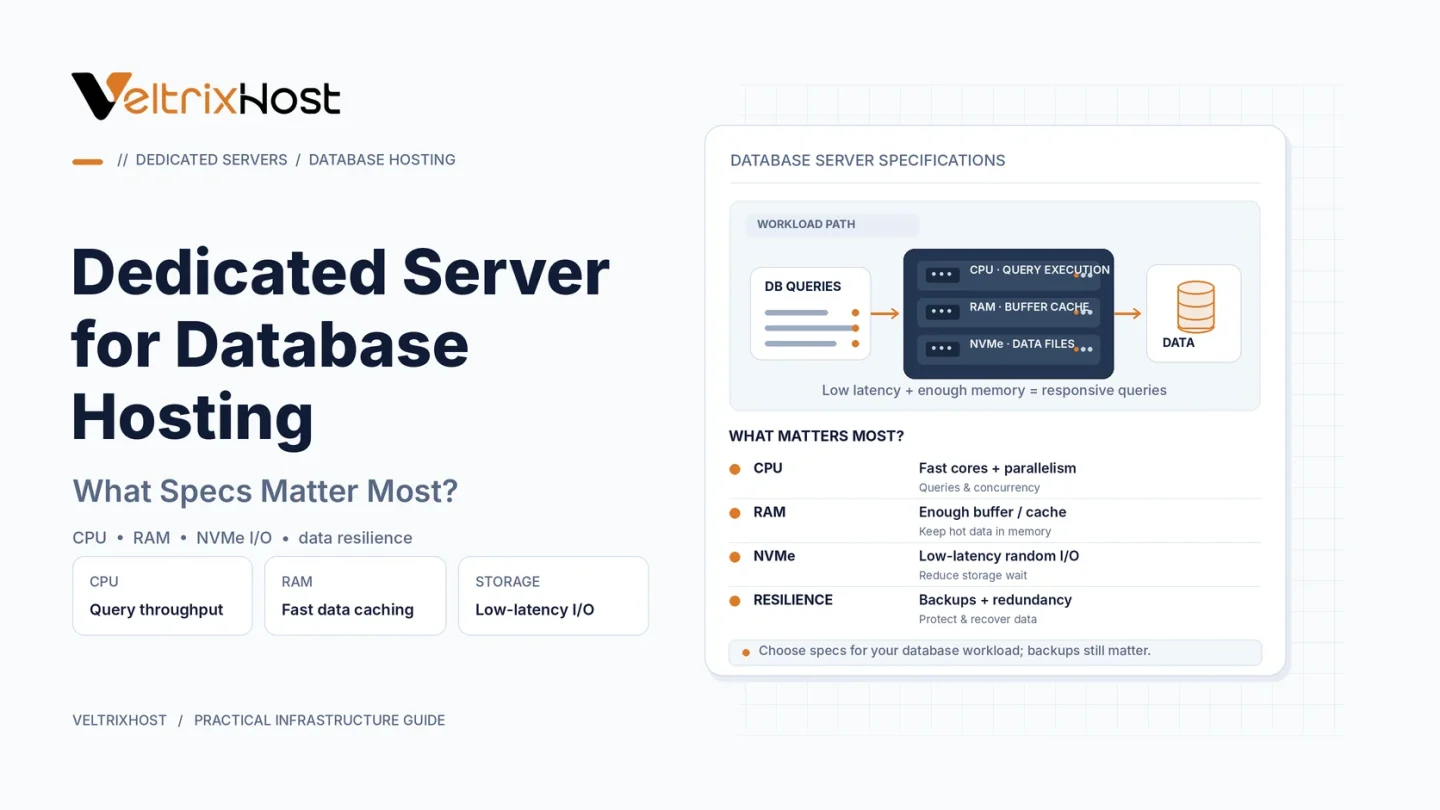
Database workloads benefit from both strong single-core performance and multiple CPU cores.
Faster individual cores can help execute CPU-intensive queries. Meanwhile, additional cores support concurrent connections, parallel queries, and background processing.
For smaller databases, prioritize modern processor architecture and strong per-core performance.
For heavily concurrent workloads, consider processors with more cores.
2. RAM and Database Caching
RAM is often one of the most important database server specifications.
Databases use memory to cache frequently accessed data and indexes, reducing expensive disk operations.
For example, MySQL’s InnoDB buffer pool stores table and index data in RAM.
According to the official MySQL memory optimization documentation, dedicated database servers may allocate substantial memory to caching.
However, leave sufficient RAM for the operating system, connections, and background processes.
3. NVMe Storage and Disk Performance
Database workloads frequently perform small, random reads and writes.
NVMe SSDs can offer lower latency and higher IOPS than traditional SATA storage.
This is particularly valuable for transaction-heavy databases.
However, consider sustained write performance, storage capacity, endurance, and redundancy instead of advertised sequential speeds alone.
4. RAID, Backups, and Reliability
RAID can protect against certain drive failures.
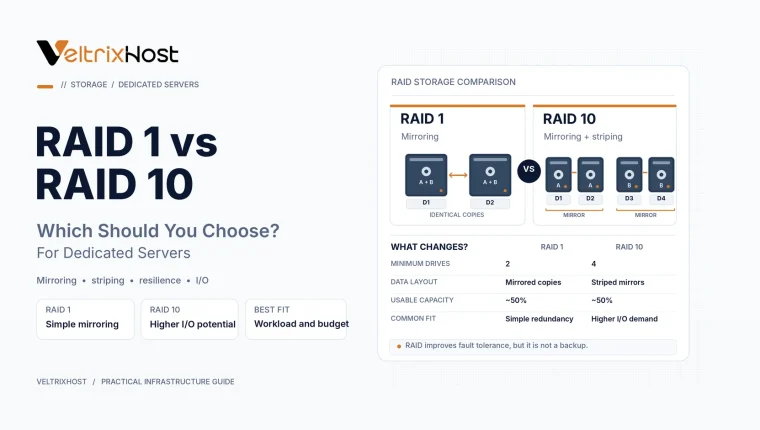
RAID 1 provides straightforward mirroring, while RAID 10 offers greater performance potential across multiple mirrored drives.
However, RAID cannot replace independent backups.
Maintain automated backups, monitor drive health, and regularly test restoration procedures.
Database Server Hardware Comparison
| Component | Smaller Workloads | Demanding Workloads |
|---|---|---|
| CPU | 4–8 modern cores | 12–32+ cores |
| RAM | 16–32GB | 64–256GB+ |
| Storage | SSD or NVMe | Enterprise NVMe |
| RAID | RAID 1 | RAID 10 |
| Network | 1Gbps | 10Gbps when needed |
These are illustrative starting points, not fixed database requirements.
5. Network Speed and Server Location
Database servers need reliable networking, particularly when applications connect remotely.
Choose a location near your application servers to minimize latency.
A 1Gbps port is sufficient for many workloads. Larger distributed systems and intensive replication may benefit from higher bandwidth.
Choosing the Right Dedicated Database Server
Before purchasing, monitor query latency, memory usage, disk IOPS, and peak concurrency.
Then compare VeltrixHost Dedicated Servers for suitable CPU, RAM, storage, and network configurations.
Final Recommendation
The best dedicated server for database hosting balances modern CPU performance, sufficient RAM, reliable NVMe storage, and data protection.
Prioritize your actual database workload rather than purchasing the most expensive hardware.
FAQs
Is NVMe necessary for database hosting?
Not always, but NVMe can benefit databases with intensive disk operations.
How much RAM does a database server need?
Smaller workloads may work with 16–32GB. Larger databases can require significantly more.
Is RAID 10 better for databases?
It can improve storage throughput and redundancy, but the right configuration depends on workload and budget.
Does a dedicated server improve database speed?
It can improve resource predictability, but query optimization and database configuration remain important.