Understanding SMTP VPS requirements for CPU, RAM, and storage helps prevent slow mail queues and unnecessary hosting costs. However, a lightweight outbound relay needs far fewer resources than a complete mail server with inboxes, spam filtering, and webmail.
Start by identifying which services you actually plan to run.
What Determines SMTP VPS Requirements?
Mail-server resource usage depends on concurrent connections, message size, antivirus scanning, mailbox storage, and retry queues.
For example, sending order confirmations through Postfix is relatively lightweight. Hosting hundreds of IMAP mailboxes with search indexing and spam filtering requires substantially more memory and disk space.
Email volume alone is not a reliable sizing method.
How Much CPU Does an SMTP VPS Need?
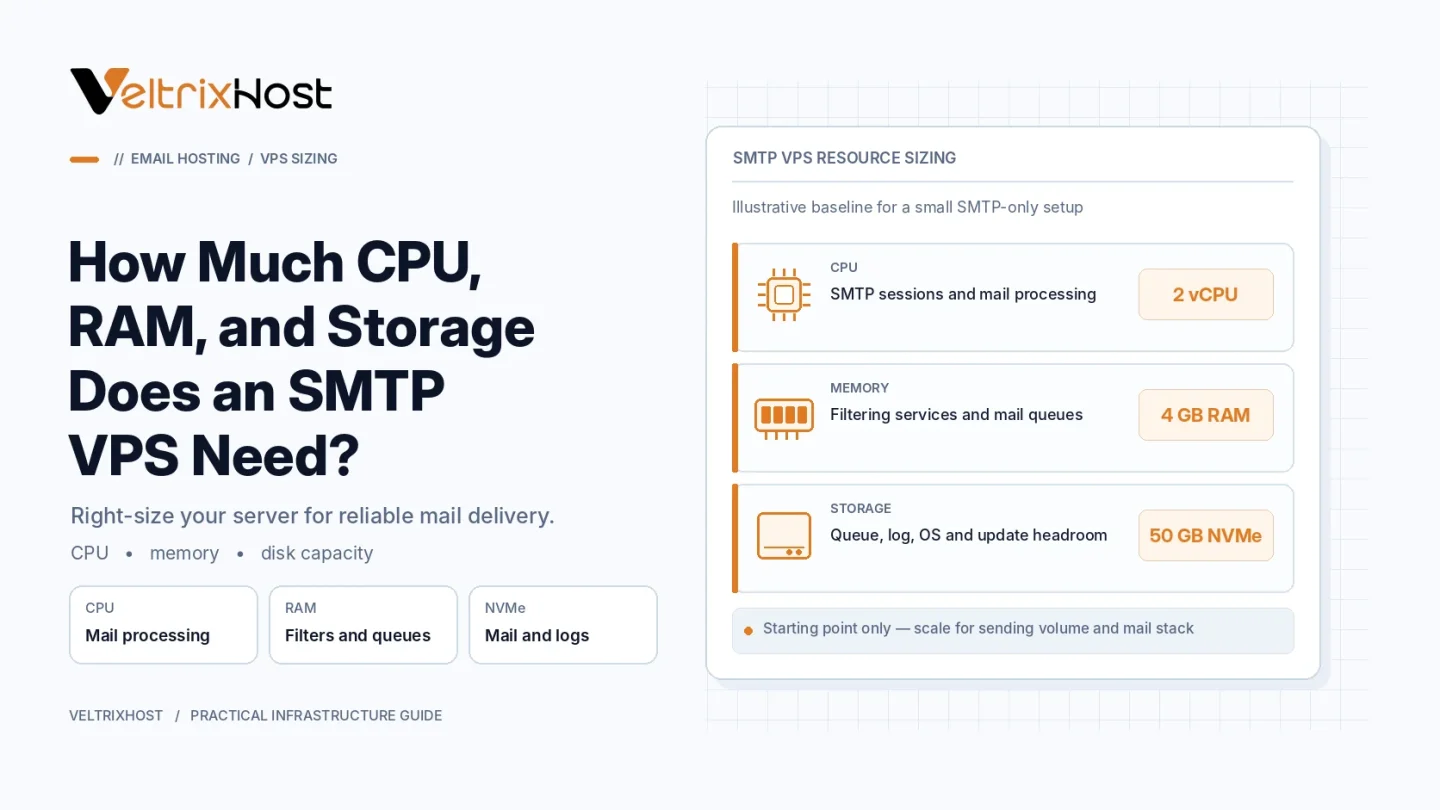
One vCPU can be a practical starting point for a small, low-concurrency SMTP relay. Two vCPUs provide more headroom for simultaneous processing, monitoring, and filtering.
Consider two to four vCPUs for a fuller mail stack or heavier concurrent activity. Increase capacity based on measured CPU usage, not a promised messages-per-hour figure.
More CPU power cannot override recipient rate limits or poor sender reputation.
How Much RAM Is Enough?
For a basic Postfix relay, 1–2 GB RAM can be a reasonable initial allocation, depending on operating-system services.
For a relay with additional monitoring or filtering, 2–4 GB offers more flexibility.
A complete Mailcow installation requires considerably more. Its default minimum is 6 GiB RAM plus 1 GiB swap, and 8 GiB RAM is recommended for approximately five to ten users.
Check the official Mailcow system requirements before installation.
How Much Storage Should You Allocate?
A simple relay might start with 20–30 GB SSD storage, provided mail queues and logs are monitored.
Servers retaining mailboxes need considerably more. Estimate:
Users × average mailbox size + queues + logs + free-space headroom.
For example, 20 users storing 2 GB each need about 40 GB for messages alone, before operating-system files, indexing, and growth.
Fast SSD or NVMe storage helps when queues and mailbox operations generate frequent disk writes. Keep backups separate from your VPS.
SMTP VPS Resource Comparison
| Workload | Starting CPU | Starting RAM | Starting Storage |
|---|---|---|---|
| Basic outbound relay | 1 vCPU | 1–2 GB | 20–30 GB |
| Relay with extra services | 2 vCPU | 2–4 GB | 30–60 GB |
| Full mail suite | 2–4 vCPU | 8 GB or more | 60 GB or more |
These are planning estimates, not guaranteed capacities. Mailbox growth and the chosen software may require larger plans.
Choosing a VeltrixHost SMTP VPS
Compare available VeltrixHost SMTP VPS plans by CPU, RAM, SSD space, and traffic allowance.
Also verify dedicated IPv4, PTR/rDNS, outbound Port 25, and your preferred mail software. Monitor memory, storage usage, and deferred queues after deployment.
Final Recommendation
For a lightweight relay, begin with modest resources and measure actual usage. For Mailcow or mailbox hosting, prioritize RAM and expandable storage.
Choose a configuration that meets your SMTP VPS requirements and legitimate sending needs, rather than buying resources based on email volume alone.
FAQs
Is 1 GB RAM enough for an SMTP VPS?
It may be enough for a minimal relay, but not a default Mailcow installation.
Does sending more email require more CPU?
Sometimes. Concurrency, filtering, and message processing matter more than raw volume alone.
Is NVMe necessary for an SMTP server?
No. SSD is sufficient for many deployments; NVMe may help heavier disk workloads.